[中文文档](README_zh.md)
# Gemini Lossless Watermark Remover - [banana.ovo.re](https://banana.ovo.re)
A high-performance, 100% client-side tool for removing Gemini AI watermarks. Built with pure JavaScript, it leverages a mathematically precise **Reverse Alpha Blending** algorithm rather than unpredictable AI inpainting.

## Features
- ✅ **100% Client-side** - No backend, no server-side processing. Your data stays in your browser.
- ✅ **Privacy-First** - Images are never uploaded to any server. Period.
- ✅ **Mathematical Precision** - Based on the Reverse Alpha Blending formula, not "hallucinating" AI models.
- ✅ **Auto-Detection** - Intelligent recognition of 48×48 or 96×96 watermark variants.
- ✅ **User Friendly** - Simple drag-and-drop interface with instant processing.
- ✅ **Cross-Platform** - Runs smoothly on all modern web browsers.
## Examples
Click to Expand/Collapse Examples
lossless diff example
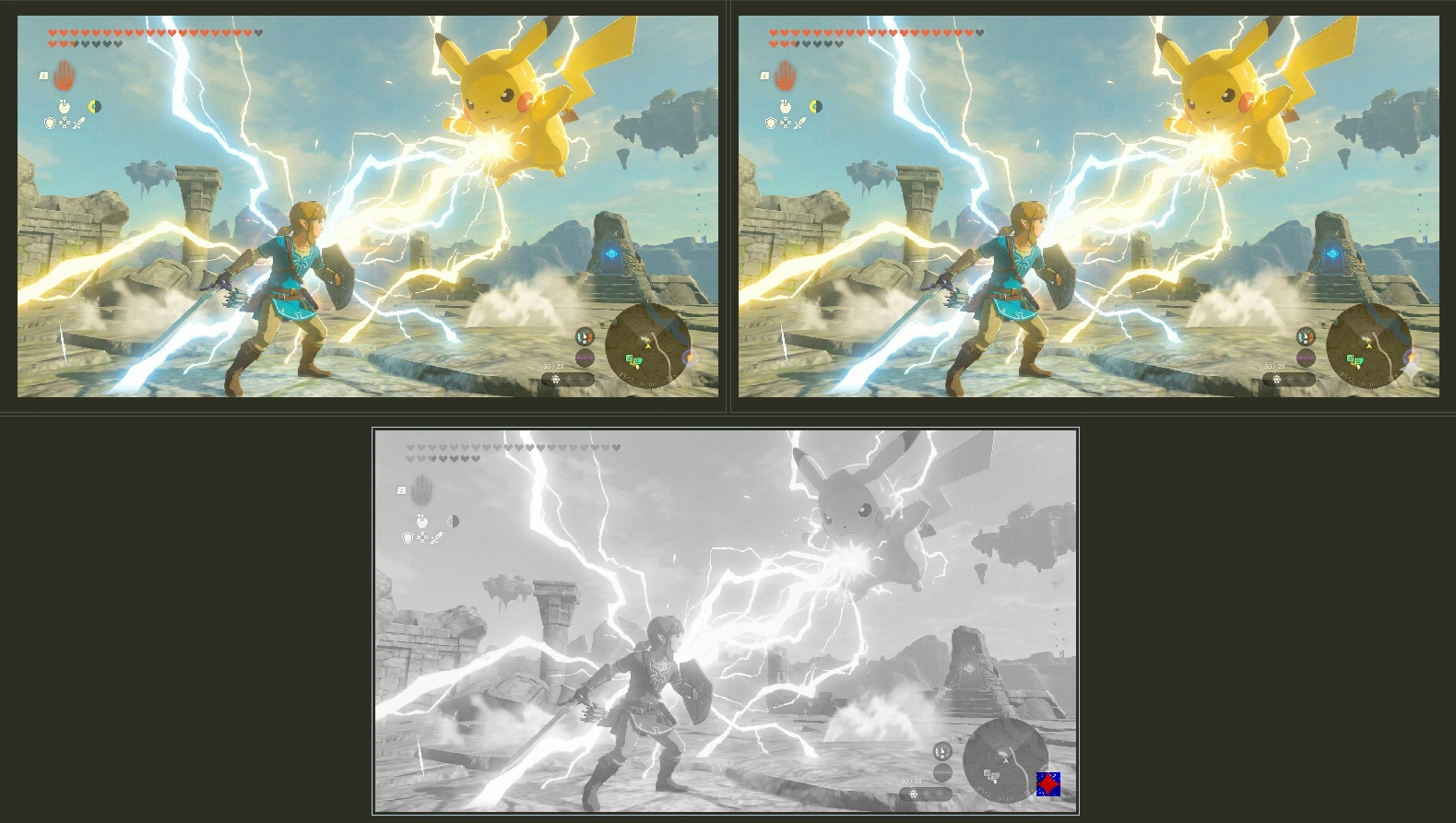
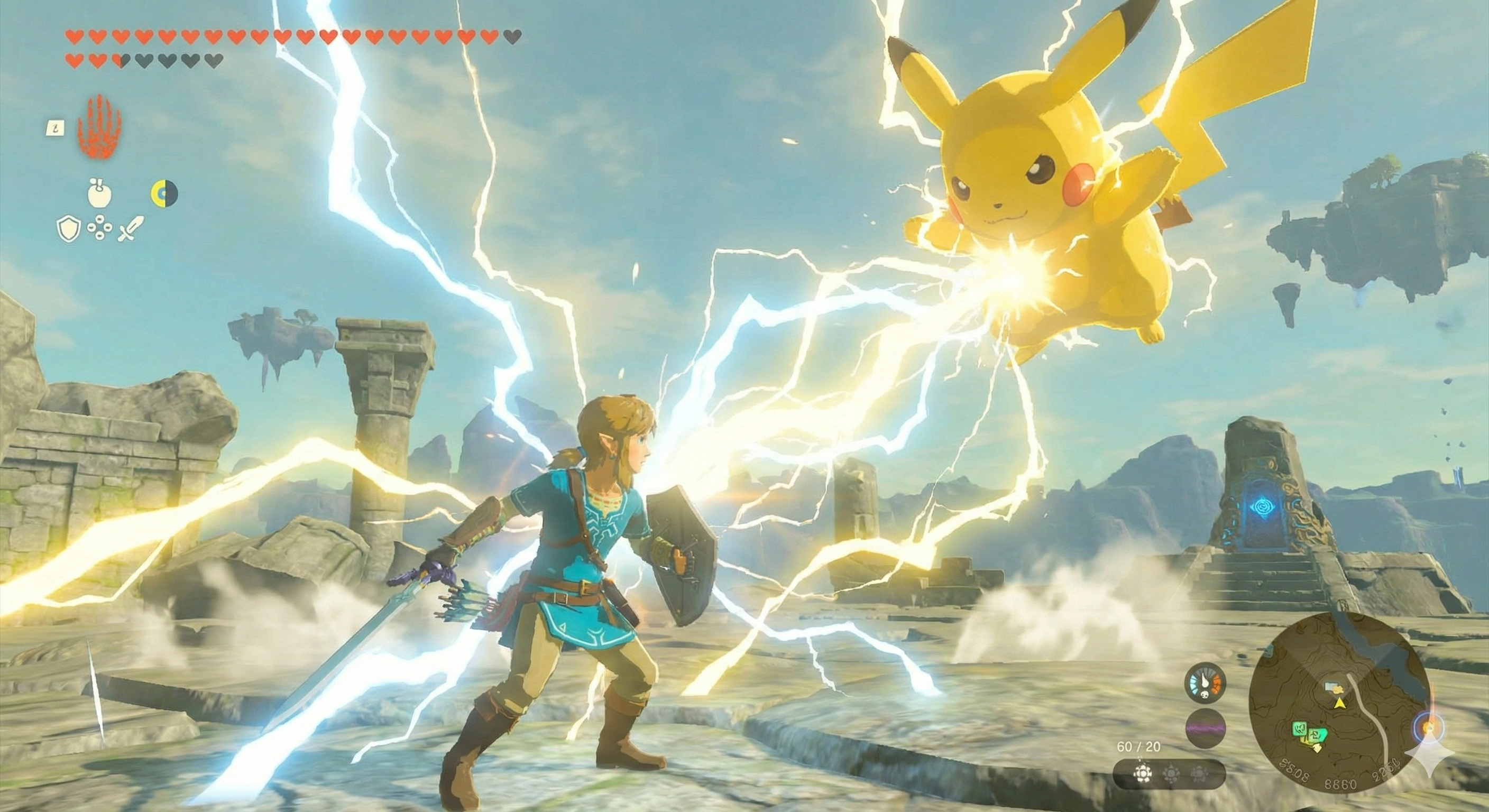
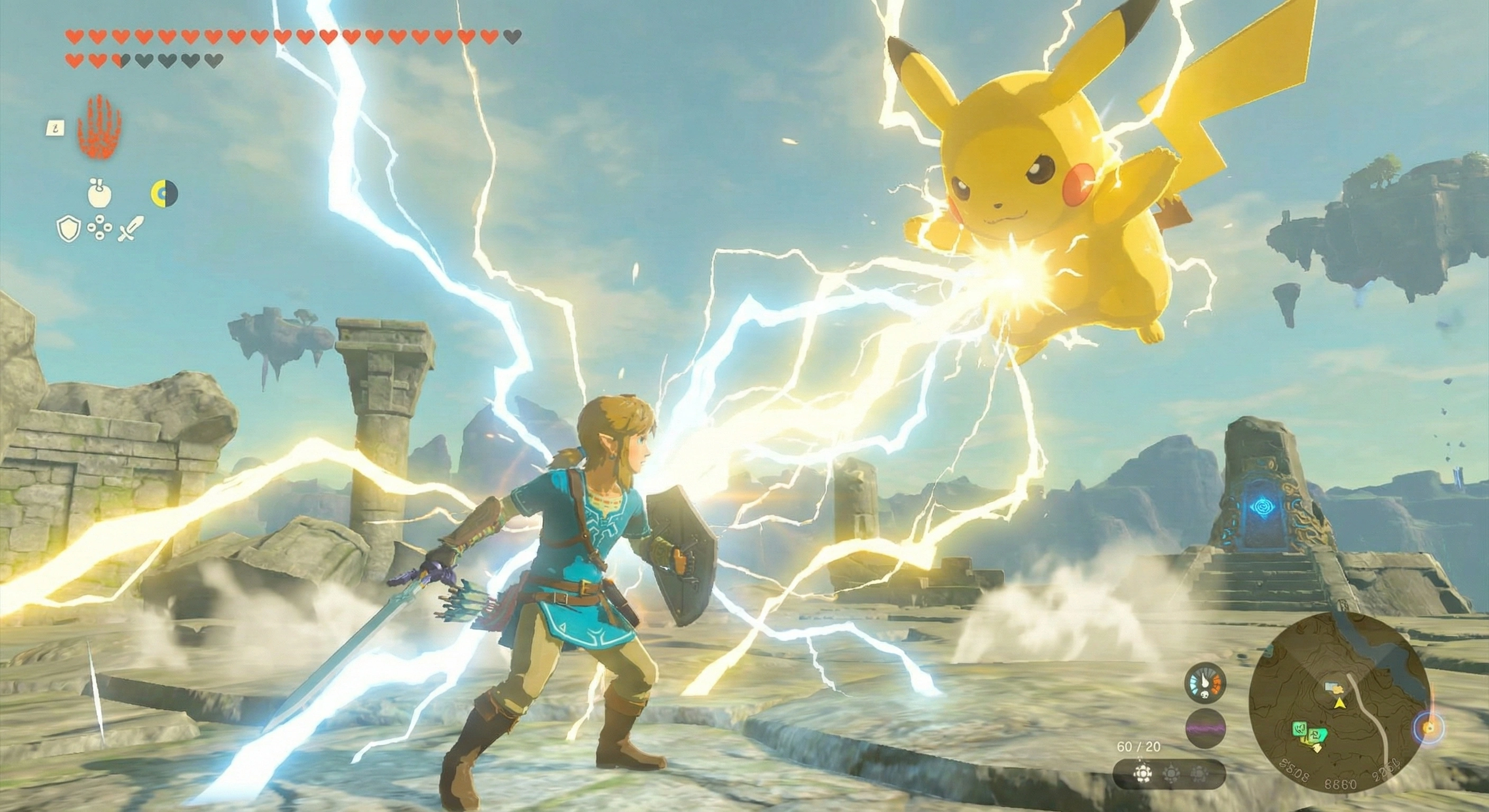
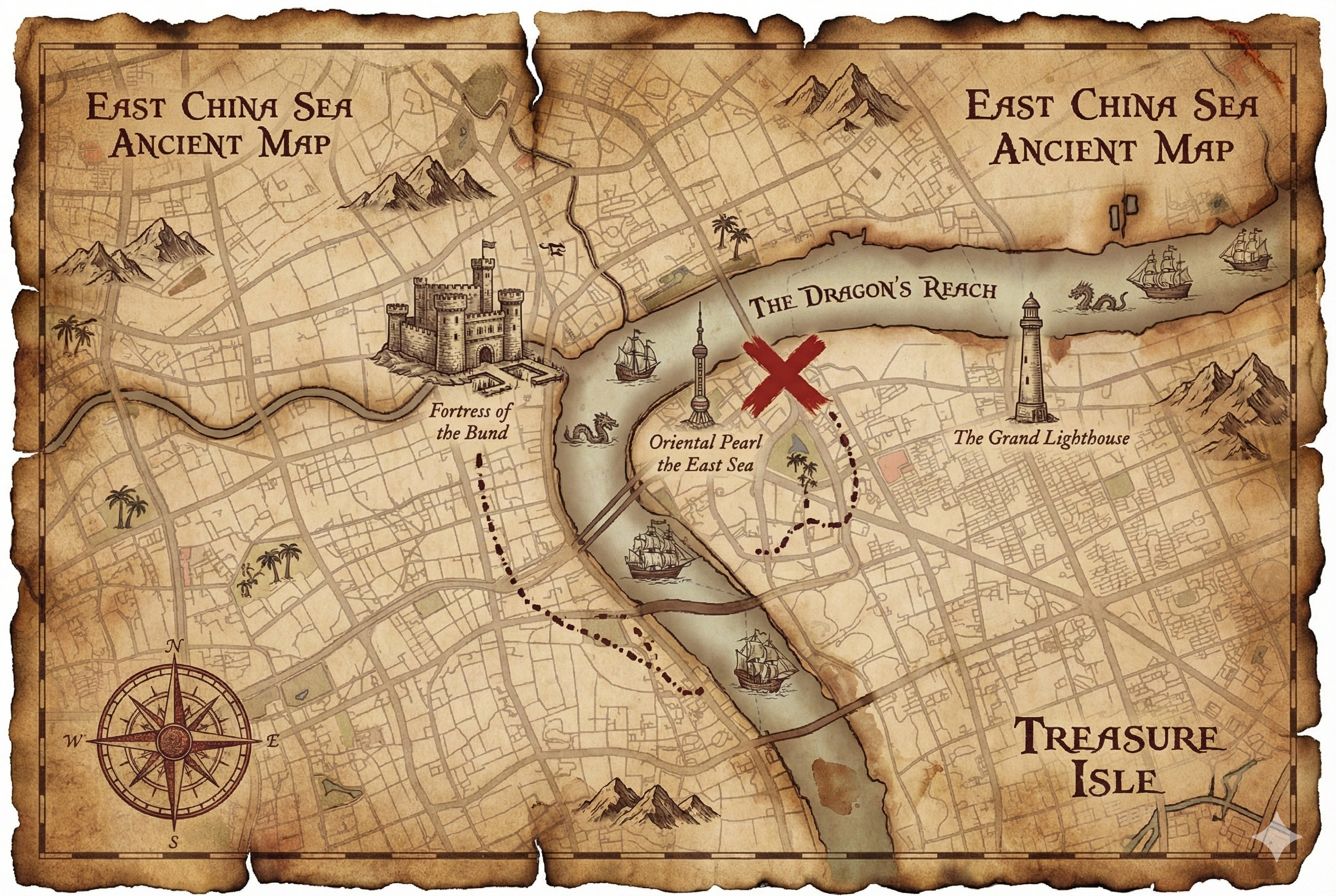
example images
| Original Image | Watermark Removed |
| :---: | :----: |
|  |
|  |
|
|
|  |
|  |
|
|
|  |
|  |
|
|
|  |
|  |
|
|
|  |
|  |
|
## ⚠️ Disclaimer
> [!WARNING]
> **USE AT YOUR OWN RISK**
>
> This tool modifies image files. While it is designed to work reliably, unexpected results may occur due to:
> - Variations in Gemini's watermark implementation
> - Corrupted or unusual image formats
> - Edge cases not covered by testing
>
> The author assumes no responsibility for any data loss, image corruption, or unintended modifications. By using this tool, you acknowledge that you understand these risks.
> [!NOTE]
> **Note**: Disabling any fingerprint defender extensions (e.g., Canvas Fingerprint Defender) to avoid processing errors. https://github.com/journey-ad/gemini-watermark-remover/issues/3
## Usage
### Online Website
1. Open [banana.ovo.re](https://banana.ovo.re).
2. Drag and drop or click to select your Gemini-generated image.
3. The engine will automatically process and remove the watermark.
4. Download the cleaned image.
### Userscript for Gemini Conversation Pages
1. Install a userscript manager (e.g., Tampermonkey or Greasemonkey).
2. Open [gemini-watermark-remover.user.js](https://banana.ovo.re/userscript/gemini-watermark-remover.user.js).
3. The script will install automatically.
4. Navigate to Gemini conversation pages.
5. Click "Copy Image" or "Download Image" to remove the watermark.
## Development
```bash
# Install dependencies
pnpm install
# Development build
pnpm dev
# Production build
pnpm build
# Local preview
pnpm serve
```
## How it Works
### The Gemini Watermarking Process
Gemini applies watermarks using standard alpha compositing:
$$watermarked = \alpha \cdot logo + (1 - \alpha) \cdot original$$
Where:
- `watermarked`: The pixel value with the watermark.
- `α`: The Alpha channel value (0.0 - 1.0).
- `logo`: The watermark logo color value (White = 255).
- `original`: The raw, original pixel value we want to recover.
### The Reverse Solution
To remove the watermark, we solve for `original`:
$$original = \frac{watermarked - \alpha \cdot logo}{1 - \alpha}$$
By capturing the watermark on a known solid background, we reconstruct the exact Alpha map and apply the inverse formula to restore the original pixels with zero loss.
## Detection Rules
| Image Dimension Condition | Watermark Size | Right Margin | Bottom Margin |
| :--- | :--- | :--- | :--- |
| Width > 1024 **AND** Height > 1024 | 96×96 | 64px | 64px |
| Otherwise | 48×48 | 32px | 32px |
## Project Structure
```text
gemini-watermark-remover/
├── public/
│ ├── index.html # Main page
│ └── terms.html # Terms of Service page
├── src/
│ ├── core/
│ │ ├── alphaMap.js # Alpha map calculation logic
│ │ ├── blendModes.js # Implementation of Reverse Alpha Blending
│ │ └── watermarkEngine.js # Main engine coordinator
│ ├── assets/
│ │ ├── bg_48.png # Pre-captured 48×48 watermark map
│ │ └── bg_96.png # Pre-captured 96×96 watermark map
│ ├── i18n/ # Internationalization language files
│ ├── userscript/ # Userscript for Gemini
│ ├── app.js # Website application entry point
│ └── i18n.js # Internationalization utilities
├── dist/ # Build output directory
├── build.js # Build script
└── package.json
```
## Core Modules
### alphaMap.js
Calculates the Alpha channel by comparing captured watermark assets:
```javascript
export function calculateAlphaMap(bgCaptureImageData) {
// Extract max RGB channel and normalize to [0, 1]
const alphaMap = new Float32Array(width * height);
for (let i = 0; i < alphaMap.length; i++) {
const maxChannel = Math.max(r, g, b);
alphaMap[i] = maxChannel / 255.0;
}
return alphaMap;
}
```
### blendModes.js
The mathematical core of the tool:
```javascript
export function removeWatermark(imageData, alphaMap, position) {
// Formula: original = (watermarked - α × 255) / (1 - α)
for (let row = 0; row < height; row++) {
for (let col = 0; col < width; col++) {
const alpha = Math.min(alphaMap[idx], MAX_ALPHA);
const original = (watermarked - alpha * 255) / (1.0 - alpha);
imageData.data[idx] = Math.max(0, Math.min(255, original));
}
}
}
```
## Browser Compatibility
- ✅ Chrome 90+
- ✅ Firefox 88+
- ✅ Safari 14+
- ✅ Edge 90+
Required APIs:
- ES6 Modules
- Canvas API
- Async/Await
- TypedArray (Float32Array, Uint8ClampedArray)
---
## Limitations
- Only removes **Gemini visible watermarks** (the semi-transparent logo in bottom-right)
- Does not remove invisible/steganographic watermarks. [(Learn more about SynthID)](https://support.google.com/gemini/answer/16722517)
- Designed for Gemini's current watermark pattern (as of 2025)
## Legal Disclaimer
This tool is provided for **personal and educational use only**.
The removal of watermarks may have legal implications depending on your jurisdiction and the intended use of the images. Users are solely responsible for ensuring their use of this tool complies with applicable laws, terms of service, and intellectual property rights.
The author does not condone or encourage the misuse of this tool for copyright infringement, misrepresentation, or any other unlawful purposes.
**THE SOFTWARE IS PROVIDED "AS IS", WITHOUT WARRANTY OF ANY KIND, EXPRESS OR IMPLIED. IN NO EVENT SHALL THE AUTHOR BE LIABLE FOR ANY CLAIM, DAMAGES, OR OTHER LIABILITY ARISING FROM THE USE OF THIS SOFTWARE.**
## License
[MIT License](./LICENSE)
## Related Links
- [Gemini Watermark Tool](https://github.com/allenk/GeminiWatermarkTool)
- [Removing Gemini AI Watermarks: A Deep Dive into Reverse Alpha Blending](https://allenkuo.medium.com/removing-gemini-ai-watermarks-a-deep-dive-into-reverse-alpha-blending-bbbd83af2a3f)
## Credits
This project is a JavaScript port of the [Gemini Watermark Tool](https://github.com/allenk/GeminiWatermarkTool) C++ implementation.